
 繁体中文
繁体中文 简体中文
简体中文
Smart hardware is senior-friendly: making it easy for parents to get started
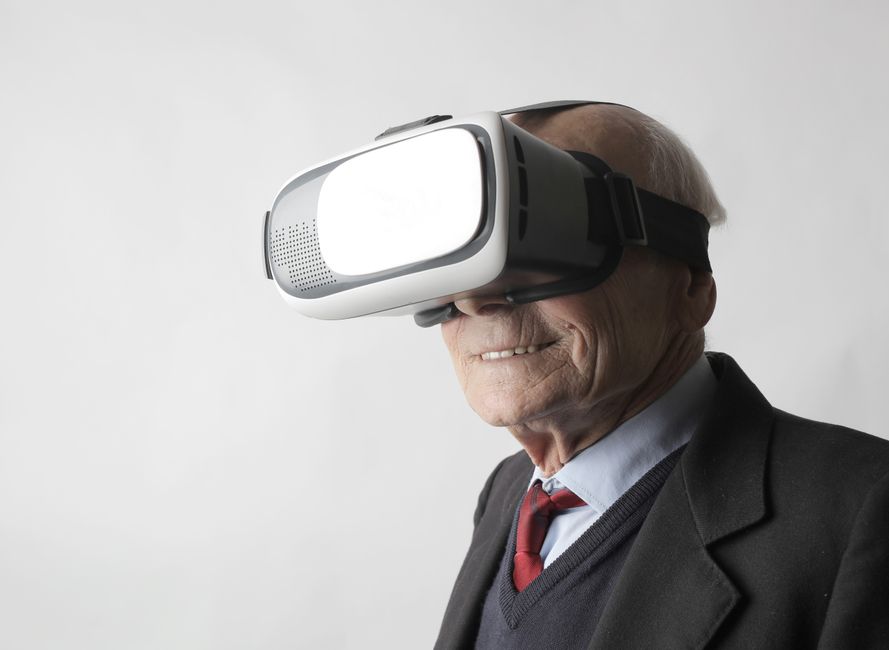
Why is smart hardware senior-friendly crucial?
As the aging process of our country's population accelerates, more and more of the elderly are coming into contact with smart devices. However, many smart hardware designs do not fully consider the elderly's cognitive abilities and operating habits, resulting in them feeling at a loss when facing complex interfaces and functions. Smart hardware senior-friendly is not only a technical problem, but also a social problem. It is related to the quality of life and dignity of the elderly. Senior-friendly design allows parents to easily get started, enjoy the convenience brought by technology, and reduce the loneliness caused by the digital divide.
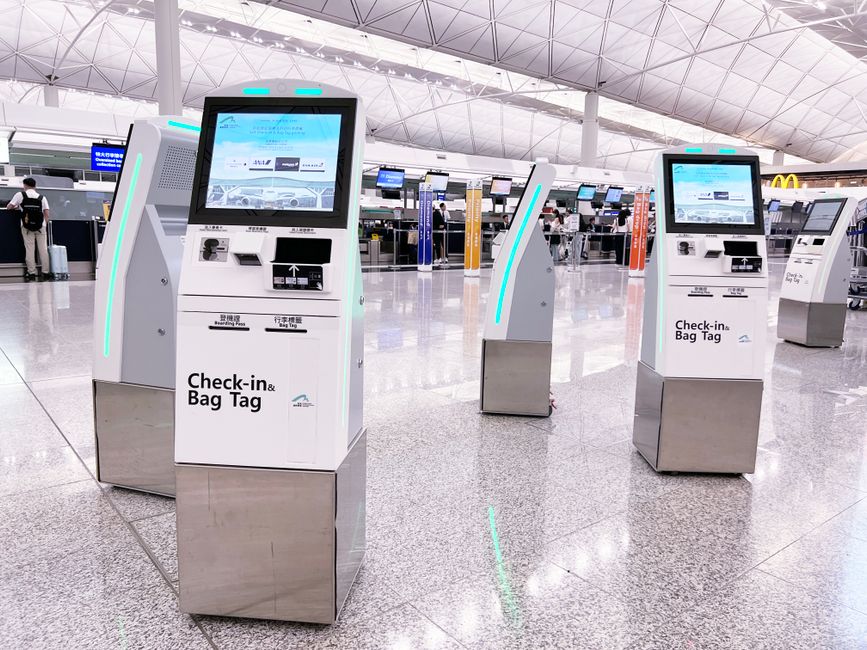
The core principles of smart hardware are senior-friendly
Simplify the operation process
The elderly are slow to learn new things, and the complex operation process will make them frustrated. Therefore, smart hardware should try to simplify the operation steps, such as one-click start, voice control, etc. Take smart TVs as an example, the many buttons on traditional remote controls often dazzle the elderly, while the senior-friendly remote control only retains basic buttons such as power supply, volume, and channel switching, and uses large font and large button design.
Enhance interface readability
The elderly have generally poor vision and reduced sensitivity to color. Therefore, the interface should use a high-contrast color scheme, the font size can be adjusted, and the icons should be intuitive and easy to understand. For example, the health monitoring function of the smartwatch, if the font is too small, it is difficult for the elderly to see the data clearly, and the senior-friendly design will provide a large font mode, supplemented by a voice broadcast function.
Provide timely feedback and assistance
The elderly are prone to errors when operating, and the system should provide clear error prompts and solutions. For example, when the elderly accidentally touch a function, a simple and clear prompt should pop up on the screen instead of an obscure code. At the same time, a one-click help function can be set to allow the elderly to contact their children or customer service at any time.
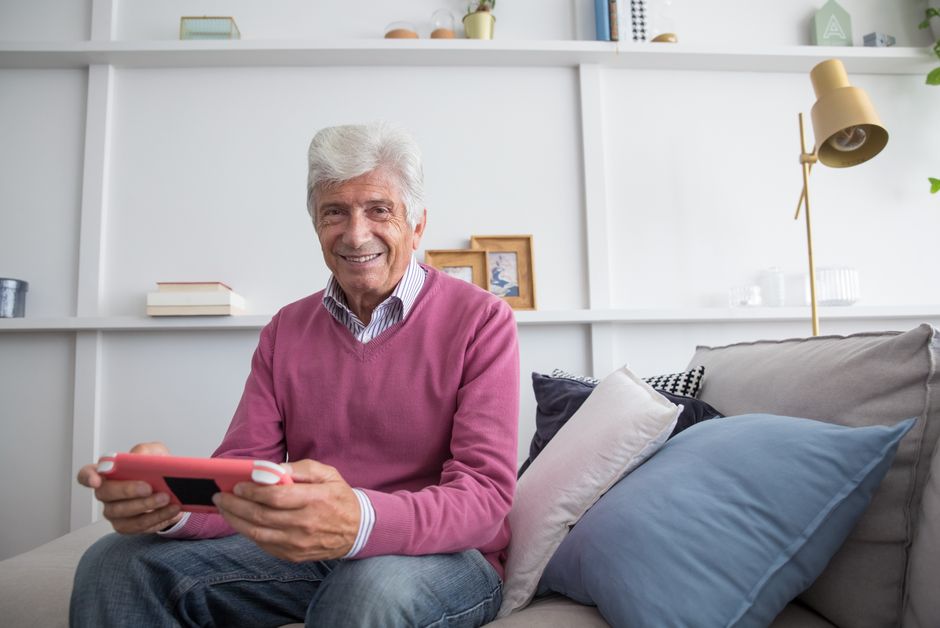
Senior-friendly smart hardware types and recommendations
| type | Representative product | Senior-friendly features |
|---|---|---|
| Health monitoring equipment | Smart bracelet, sphygmomanometer | Large screen display, voice broadcast, abnormal reminder |
| Smart Home Devices | Smart speakers, smart lights | Voice control, scene mode, remote assistance |
| Safety protective equipment | Smart camera, fall detector | Automatic alarm, remote viewing, privacy protection |
| Communication equipment | Elderly mobile phones, smart watches | Large button, SOS call, positioning function |
Health monitoring equipment
Health is the most concerned topic for the elderly. Smart bracelets can monitor heart rate, blood oxygen, sleep quality and other data in real time, but many bracelets have complex interfaces and data is difficult to interpret. Senior-friendly bracelets such as "a health bracelet" provide large font display and voice broadcast. Children can also remotely view their parents' health data through mobile APP to keep abreast of abnormalities.
Smart Home Devices
Smart speakers are one of the easiest devices for the elderly to use, just say "Xiaodu Xiaodu, turn on the living room light" to control the light. The senior-friendly smart speaker also supports dialect recognition, such as Sichuan and Cantonese, making it easy for the elderly who are not good at Mandarin to use. In addition, smart speakers can set reminders, such as medication reminders, schedule reminders, etc.
Safety protective equipment
Fall detectors are the "patron saint" of the elderly who live alone. When a fall is detected, the device automatically sends an alert to the child's mobile phone and makes an emergency call. Smart cameras allow children to check the status of the elderly at home at any time, but they need to pay attention to privacy protection. The camera should be installed in public areas such as living rooms, avoiding private spaces such as bedrooms.
How can we help parents adapt to smart hardware?
Patient guidance, step-by-step teaching
Children should not be impatient when teaching their parents how to use smart devices. The steps should be broken down, only one function should be taught at a time, and the practice should be repeated. For example, teach how to answer a video call first, and then teach how to dial it when you are proficient. You can also make a simple operation guide, print it in large characters, and stick it next to the device.
Start with simple features
Don't let parents master all the functions at the beginning, start with the most commonly used functions, such as video calling on WeChat, playing music on smart speakers, etc. When parents experience convenience, they will be more confident to learn other functions.
Set up a family account and assist remotely
Many smart hardware supports family account binding, and children can remotely operate their parents' devices on their mobile phones to help troubleshoot. For example, when parents cannot adjust the volume of the TV, children can directly turn down the volume remotely. In addition, through the screen sharing function, parents can be guided in real time.
Encourage experimentation and tolerate mistakes
The elderly will inevitably make mistakes in the learning process, and children should be more encouraged and less criticized. Some reward mechanisms can be set up, such as giving small gifts after successful use, to enhance their sense of achievement.
The future trend of smart hardware is senior-friendly
With the development of artificial intelligence and Internet of Things technology, smart hardware senior-friendly will be more intelligent and user-friendly. In the future, devices will be able to perceive the elderly's emotions and needs through voice, gestures and even expressions, and actively provide services. For example, smart air conditioners can automatically adjust the temperature according to the elderly's body temperature, and smart mattresses can monitor the elderly's sleep quality and automatically adjust the hardness.
In addition, senior-friendly design will pay more attention to privacy and security. The elderly's data will be strictly protected to prevent leakage. At the same time, the device will have more complete anti-fraud functions, such as automatically blocking harassing calls, identifying misinformation, etc., to protect the elderly's property safety.
conclusion
Smart hardware senior-friendly requires not only the efforts of product designers, but also the care and guidance of children. Let's start by choosing a senior-friendly device and patiently teach parents to use it, so that they can also enjoy the good life brought by technology. Remember, the temperature of technology lies in making it easy for everyone to use.
 Skype
Skype demo@admin.com
 400-12345-67890
 13988889999